

Last week a reader running a cross-border home goods store sent over an account screenshot. Eight audience lists had been sitting in his campaigns for two months with nothing to show for it. Going through the settings, the problem was not in the creative or the bids. Every audience was left on the "Observation" setting while the team assumed the campaigns only showed ads to those lists. The campaigns had been running against everyone eligible the whole time, with the lists only watched in passing.
That kind of setting mix-up is common in small and midsize accounts. Audience setup belongs to the basic audit steps in the Google Ads optimization guide, and it is where many accounts start to go wrong first.
Observation and Targeting Differ Where Reach Is Concerned
Google Ads gives audiences two ways to relate to a campaign, and the official docs draw the line clearly.
"Observation" does not change reach. Who sees your ads and where they appear stays the same as if no audience were attached. What you get back is performance data for those people plus the right to set bid adjustments for them. Google recommends observation for Search campaigns. There is a mechanism that gets overlooked here. When a campaign uses Smart Bidding, first-party audiences placed under Observation are used as signals for the bidding strategy. Observation does not change who sees the ads; it changes what the bidding system treats as a hint.
"Targeting" narrows reach and shows ads only to the people you selected. Google recommends targeting for Display campaigns, where picking people and placements is the whole game.
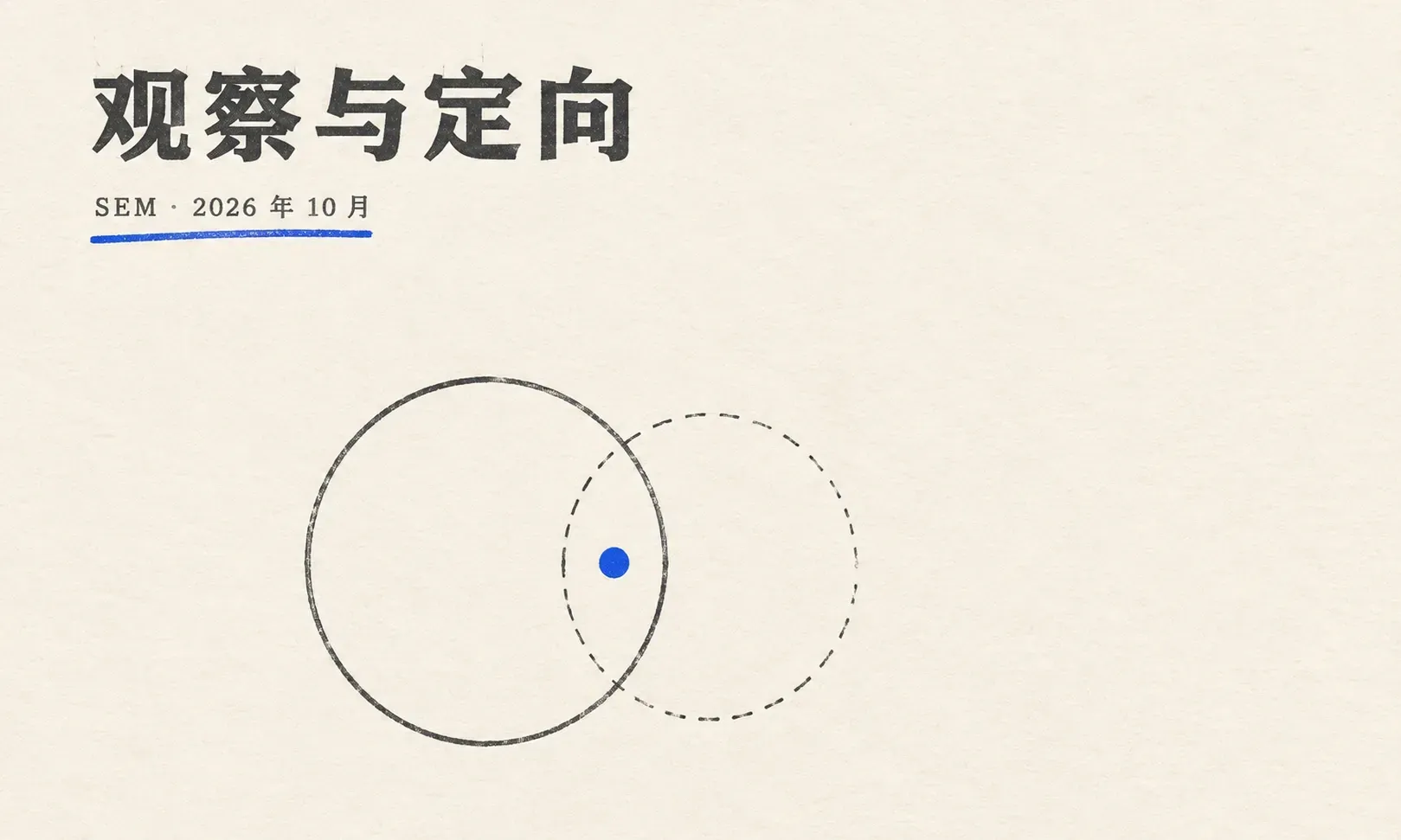
A one-line contrast. Observation is watching while the ads run everywhere. Targeting is running only for this group.
How to Tell Whether Your Account Got It Right
Three questions filter out most misuse, no tools required.
- Do the audiences restrict who can see the ads? If not, they sit on observation, and they will not filter traffic for you.
- Remove the audiences entirely. Do spend and impressions move? If they barely move, the audiences were observing all along.
- Which numbers are you reading, observation data or targeting data? The same audience reports differently under each setting, and mixing them up leads to bad conclusions.
The opposite problem is just as common. Lists get uploaded and delivery stays flat. Checking against the official documentation, the cause is usually one of four things.
- The audience sits on observation, which never restricted reach. The list by itself will not make delivery exclusive to it.
- The active user count is too low. Display, Search, and YouTube all require at least 100 active users or visitors in the last 30 days. Below that, ads do not serve at all.
- The membership duration is off. Website audiences default to 30 days and cap at 540. A list that goes unused for 540 days gets closed automatically.
- The level is wrong. Data segments attach at the campaign or the ad group level, never both for the same campaign at once, and switching means removing before re-adding. Choosing levels and splitting work across campaigns is a question of account structure, so we will leave that there.
One more small trap. Observation cannot be added while creating an ad group. It goes in later through the Edit all targeting page or the reporting page for that audience type.
Website Audiences and Customer Match Are Two Different Pipelines
Lists come from two main sources, and they are managed in very different ways.
Website and app audiences are collected by code. A tag or remarketing tag on the site, or audiences imported from GA4 with Google signals enabled. New lists take 48 to 72 hours to populate. Set the membership duration with the sales cycle in mind. Longer is safe. Too short and the list empties out just as it starts to build.
Customer Match runs on uploads. You export your customer information as a CSV and upload it. Hashed and unhashed formats are both supported as long as the formatting rules are followed, and the recommended path is now Data Manager rather than hand-built files. It comes with two gates. The first is access. The account or manager account needs a strong compliance record and a good payment history. The second is feature eligibility. Using Customer Match for targeting requires at least 90 days of account history and more than USD 50,000 in lifetime spend. Below that, you can still upload and use lists, but only for observation and exclusions. Plenty of teams miss this rule and assume an upload unlocks targeting.
List quality decides the match rate. The official guidance points at formatting accuracy, fresh data, and regular appends. Members drop off over time, through inactivity or opting out of personalized advertising, so a list is something you maintain. Upload once and leave it, and the matchable audience only shrinks.
Consent is the precondition. Customer Match built on data from users in the European Economic Area must follow Google's EU user consent policy, and uploads carry a compliance declaration. Consent needs to be designed at the collection end, and its full framework belongs to conversion tracking and attribution.
Prospecting and Remarketing Are Two Separate Sets of Books
Mixing the two in one campaign is another common slip.
The people differ. Prospecting faces users who have never met the brand; remarketing faces those who visited, browsed, or bought. The bidding logic differs. New-customer phases lean on observation and signals to help the system find people, with little room for member bid adjustments. Remarketing audiences come with clear intent, so modest bid increases make sense, provided frequency and exclusions stay managed. The measurement differs too. Prospecting reads cost per acquisition and new-customer share. Remarketing reads repeat purchases, average order value, and how often you touched the same person.
One account is easy to get wrong, and that is attribution. A meaningful share of returning visitors would have come back anyway, typing the brand name or landing directly, and those conversions still get booked under remarketing. To see what remarketing actually adds, use an incrementality lens. Run holdout tests, split by geography, or separate brand and direct traffic out. Remarketing earns its keep when it beats organic return traffic, not when it takes credit for it.
Audience Control Differs by Campaign Type
The same audience behaves very differently depending on where you put it. The official docs draw these boundaries in detail, so here is the table.
| Campaign type | Audience setting | Degree of control |
|---|---|---|
| Search | Observation (recommended), data segments can target | Keywords remain a hard prerequisite; observation data feeds Smart Bidding signals |
| Display | Observation and targeting both available, targeting recommended | Finer segmentation, pairs well with frequency capping |
| Standard Shopping | Starts on observation | Audience segments and exclusions available; product data remains the foundation |
| Performance Max | Audience signals, guidance only | No reach restriction; exclusions available |
On the Search side, no amount of audience craft helps if keywords and landing pages are weak, and that main line is covered in the Search ads guide. On the Shopping side, audiences handle the finishing touches while product data carries the base, and gaps there are best addressed in the Shopping and Merchant Center guide. As for Performance Max, why its audience signals are only guidance has been covered in detail, so we will not repeat it. One detail remains. PMax also supports audience exclusions, so use them when the situation calls for it.
Exclusions, Frequency, and Consent Belong in the Design
Three things are best settled before an audience system goes live.
Exclusions answer who should stop seeing the ads. Google supports excluding audience segments in Search, Display, Demand Gen, Standard Shopping, Video, and Performance Max. Exclusions cannot be added during campaign creation, only attached afterward to existing campaigns or ad groups. The typical targets are past converters, current customers, and low-value groups, so budget stops leaking toward them.
Frequency answers how often one person can see the ads. The control exists only for Display and Video campaigns, can be set by day, week, or month, and applies down to the campaign, ad group, or ad. Search campaigns are not bound by it, which marks one more design split between Search and Display.
Consent answers whether the data can be used at all. Rules vary across borders, and data from users in the European Economic Area has to clear consent first. Put the compliance call at the collection end instead of patching it before launch.
Common Misconceptions
- Treating observation as targeting, then suspecting the algorithm when the list does nothing
- Expecting uploads to bring delivery, while missing the size threshold, membership duration, and level rules
- Booking organic return visits under remarketing and concluding that remarketing always pays
- Deferring exclusions and frequency limits, letting budget keep flowing to the wrong people
Related Reading
- The Google Ads bidding and budget guide covers bid adjustments on observed lists and the signal mechanics of Smart Bidding in fuller detail.
- Conversion tracking and attribution covers consent modes and the data foundation.
- Performance Max from setup to optimization lays out audience signals and the other control points.
- Search ads keywords and RSA walks through the keyword-to-landing-page workflow.